
Monitor, notify and follow up
About this source
Gen8
Source: Monitor, notify and follow up
Managed AI service for SMEs. We set up, connect and manage; you stay in control.
© 2026 Gen8 VOF · Dutch Chamber of Commerce 92978789 · Delft
Capability · route: configured
A meaningful notification, reaching someone who can act
Most monitoring fails because it reports too much, not too little. This workflow monitors your designated source, stays silent while everything is normal and only reports deviations — with the context needed to act immediately.
- Scoping first, then a proposal
- EU hosting
- You stay in control
At a glance
Route: configured
Control: automatic, with an audit log
Systems: Slack, Microsoft Teams, email
What happens
From signal to proposal
You decide what is monitored and when it deviates: stock below a threshold, an order stalled too long, a file that never arrived, a page that stopped responding. The workflow checks at the frequency you choose.
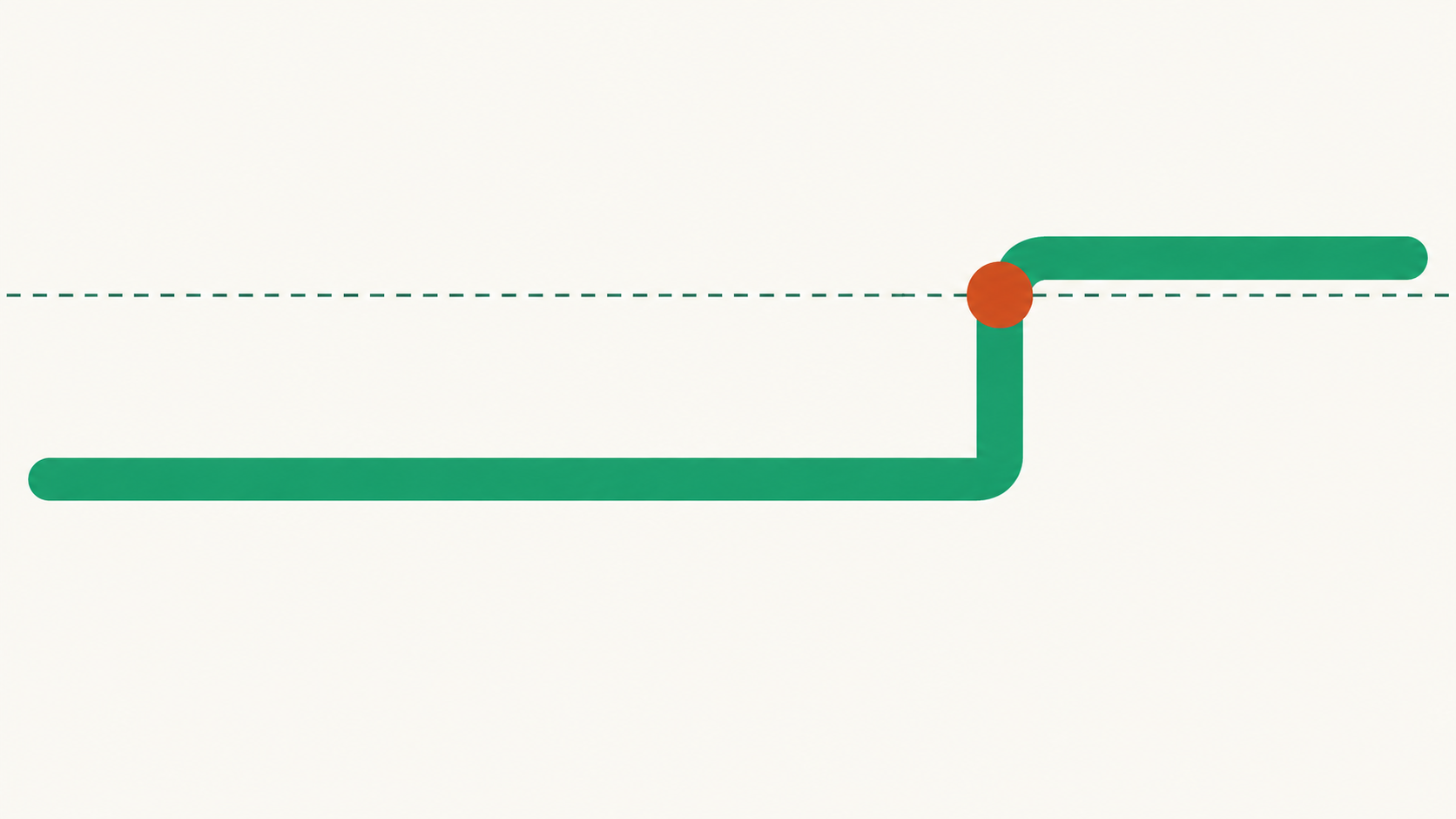
If everything is normal, nothing happens — that is its most important feature. If something deviates, one notification goes to your designated channel and person, explaining what is happening, since when and the obvious next step. Every check and notification is logged, including checks where nothing happened.
Set threshold
You define what is normal and when something deviates. Without that boundary, every notification is an opinion rather than a signal.
Check
The workflow reads the source at the agreed frequency and compares it with the threshold. Normal means silence.
Notify
For a deviation, one message goes to the designated channel with the value, duration and obvious next step.
Follow up
If the deviation persists, one reminder follows at the agreed time. It then escalates to your designated person — it does not keep repeating.
Limits
Where it stops
The workflow does not solve the problem itself. It does not adjust stock, cancel an order or restart a service: it stops at notification and follow-up. It does not invent thresholds either — until you have defined what is normal, it reports nothing. Channel notifications are visible to everyone in that channel, so sensitive signals belong in a private channel or direct message.
Evidence
What we can demonstrate
Gen8 has its own Slack integration, with tools for channels, messages and users. Gen8 does not have its own integration for Microsoft Teams: a Teams notification uses a custom route configured per environment — see Microsoft 365. Email notifications use the existing email integration. We determine a useful threshold for your situation during a process conversation.
Will we still get a flood of notifications?
That depends entirely on the threshold you define. Too tight means too many alerts, so we adjust it based on the first few weeks instead of trying to guess it perfectly at once.
Can notifications go to Teams too?
Yes, but not through a ready-made integration. The Teams route is custom development configured per environment.
What happens if nobody responds?
After one reminder, the notification goes to your designated escalation contact. The workflow does not repeat endlessly.