
Gmail follow-up into HubSpot
About this source
Gen8
Source: Gmail follow-up into HubSpot
Managed AI service for SMEs. We set up, connect and manage; you stay in control.
© 2026 Gen8 VOF · Dutch Chamber of Commerce 92978789 · Delft
Capability · route: configured
From inbox to a HubSpot record someone has approved
Sales email arrives and often stays there: the contact is not yet in HubSpot, the note is never written, the follow-up disappears. This workflow reads the mailbox or label you designate, determines what belongs in HubSpot and presents it as a proposal. Nothing is written until approval.
- Scoping first, then a proposal
- EU hosting
- You stay in control
At a glance
Route: configured
Control: human approval
Systems: Gmail, HubSpot
What happens
From signal to proposal
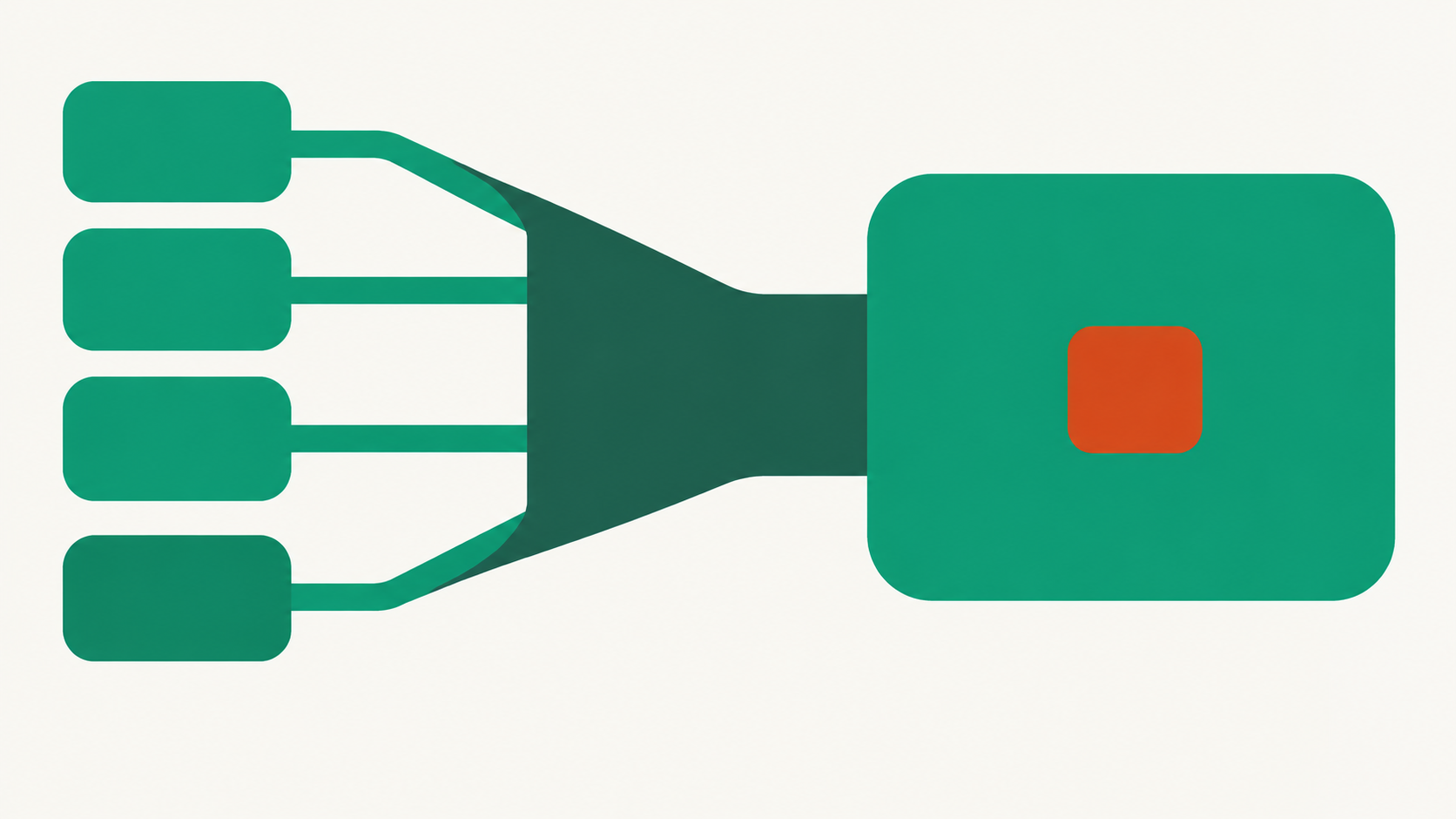
The workflow reads new messages in an agreed mailbox or under an agreed label. For each message, it determines whether it concerns an existing contact, a new contact or something that does not belong in the CRM at all. For messages that do belong in HubSpot, it prepares a proposal: which contact, deal, note and follow-up step with a deadline.
That proposal goes to the mailbox owner or account manager, who approves, edits or rejects. Only then are the contact, note or task created or updated in HubSpot. The original message is always included as a source, so you can return from HubSpot to the email something came from.
Signal
A new message in the mailbox or under the label you have designated. Not your whole archive, only what you explicitly authorize.
Identify
Does this belong to an existing contact or deal? When uncertain, nothing is guessed: the message goes to the reviewer as an open question.
Proposal
A draft with the contact, note, any follow-up step and deadline, and a reference to the original message.
Approval
The owner approves, edits or rejects. Rejections also remain in the log, including the reason.
Record
After approval, HubSpot is updated. Any reply to the sender is prepared as a draft and is not sent automatically.
Limits
Where it stops
The workflow does not email on your behalf or update HubSpot fields without approval. It only reads the mailbox or label you have designated. It never deletes anything in HubSpot: existing data is supplemented, not overwritten, unless you explicitly configure that per field. Attachments are not independently interpreted unless separately configured. And if your own rule conflicts with the model's proposal, the rule wins.
Evidence
What we can demonstrate
HubSpot has its own integration in the platform. For Gmail there is an integration that can create drafts; messages are never sent on your behalf. Translating messages into HubSpot fields is configured per organization, because every pipeline has its own fields and rules. The general structure is described in email to CRM.
Can the workflow reply to the email itself?
It can prepare a draft reply in the mailbox. A person sends it; that is not a setting we can accidentally switch.
What happens to email unrelated to sales?
Nothing. The workflow only proposes action for messages that belong in the CRM according to your rules; it leaves the rest alone.
Who sees the proposals?
The person or team you designate. You can configure that differently by mailbox, label or pipeline.
Does this work with another CRM too?
The structure is the same; only the write step differs by CRM. Check the integrations for the route that applies to your system.