
Making documents accessible as knowledge
About this source
Gen8
Source: Making documents accessible as knowledge
Managed AI service for SMEs. We set up, connect and manage; you stay in control.
© 2026 Gen8 VOF · Dutch Chamber of Commerce 92978789 · Delft
Capability · route: configured
Documents in three places, one entry point for questions
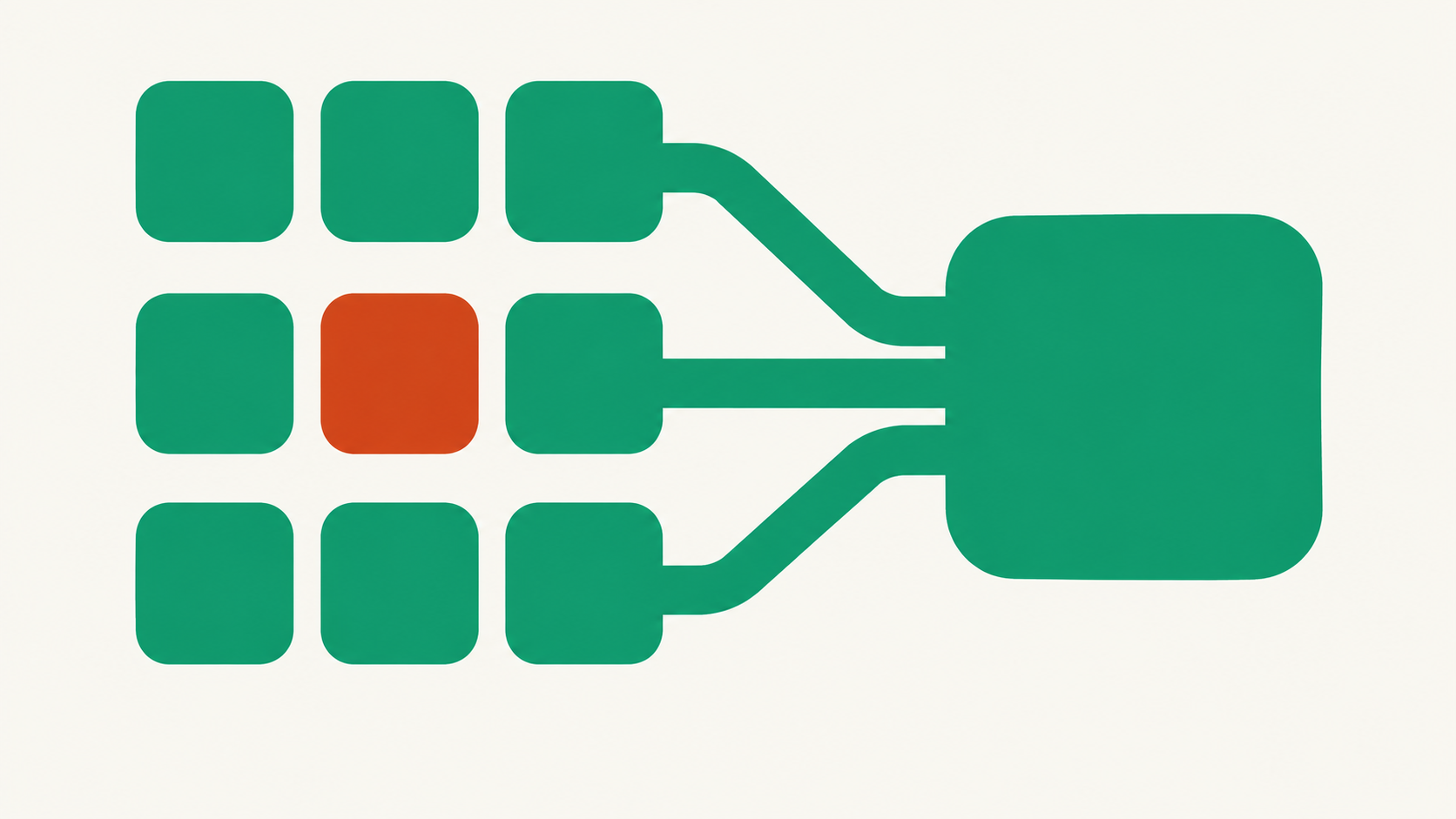
Knowledge rarely gets lost; it gets scattered. Manuals in SharePoint, project documents in Drive, procedures in a folder nobody opens anymore. This workflow makes those documents queryable from one place, without copying them elsewhere or letting anyone see more than they were already allowed to see.
- Scoping first, then a proposal
- EU hosting
- You stay in control
At a glance
Route: configured
Control: read only
Systems: SharePoint, Google Drive
What happens
From signal to proposal
You designate the sites, folders and document types included. The workflow reads those documents, splits them into passages and records each passage's origin and the document's last modification date. Permissions are retained: each passage keeps track of who may see it.
The collection can then be queried — see querying an internal knowledge base — and used as a source by other workflows, for example for a draft answer or procedure check. When a document changes, the collection follows. When a document disappears, its passages and the answers relying on them disappear too.
Define scope
Which sites, folders and document types are included? Everything outside stays unread.
Make accessible
Documents are read and divided into passages, with a source, date and permissions for each passage.
Keep current
When a document changes or disappears, the collection follows. No outdated shadow archive is created.
Use
Staff ask questions, and other workflows use the same collection as a source.
Check
The log shows which documents were used, for whom and when.
Limits
Where it stops
Nothing is written, moved or deleted in your document storage. No second archive is created outside your environment: the source remains authoritative and is followed. Permissions are not expanded; a document only three people may see produces answers only for those three. Documents you have not designated are excluded, even if they are in the same folder. And the workflow does not assess whether a document still represents valid policy.
Evidence
What we can demonstrate
The platform has its own integrations for SharePoint and Google Drive, preserving existing permissions. Processing takes place in the EU. Scope is configured per organization: which folders are included, which document types are useful and how outdated versions are handled. See also documents and knowledge and connecting documents and knowledge.
Will our documents be stored somewhere else?
No. They remain in your own storage. They are read and referenced; no second archive is created to take on a life of its own.
What happens if someone deletes a document?
The passages derived from it disappear too, along with answers that relied on them. The source remains authoritative.
Which documents are suitable?
Text documents with a clear structure work best. Loose scans, outdated versions and empty templates mostly add noise.
Who can see what was used?
The log records which documents were used, for whom and when. That is also what an administrator needs for accountability.