
Field notifications to a file
A short notification with photos becomes a proposed file entry or task, at the right project and with the right owner. See channel signals to tasks.
Gen8
Source: Construction, installation and logistics
Managed AI service for SMEs. We set up, connect and manage; you stay in control.
© 2026 Gen8 VOF · Dutch Chamber of Commerce 92978789 · Delft
Organisation type
In construction, installation and logistics, information originates on site: a notification, photo, receipt or phone call. The office must turn it into a file, schedule and invoice. A workflow takes work off your hands in that gap.
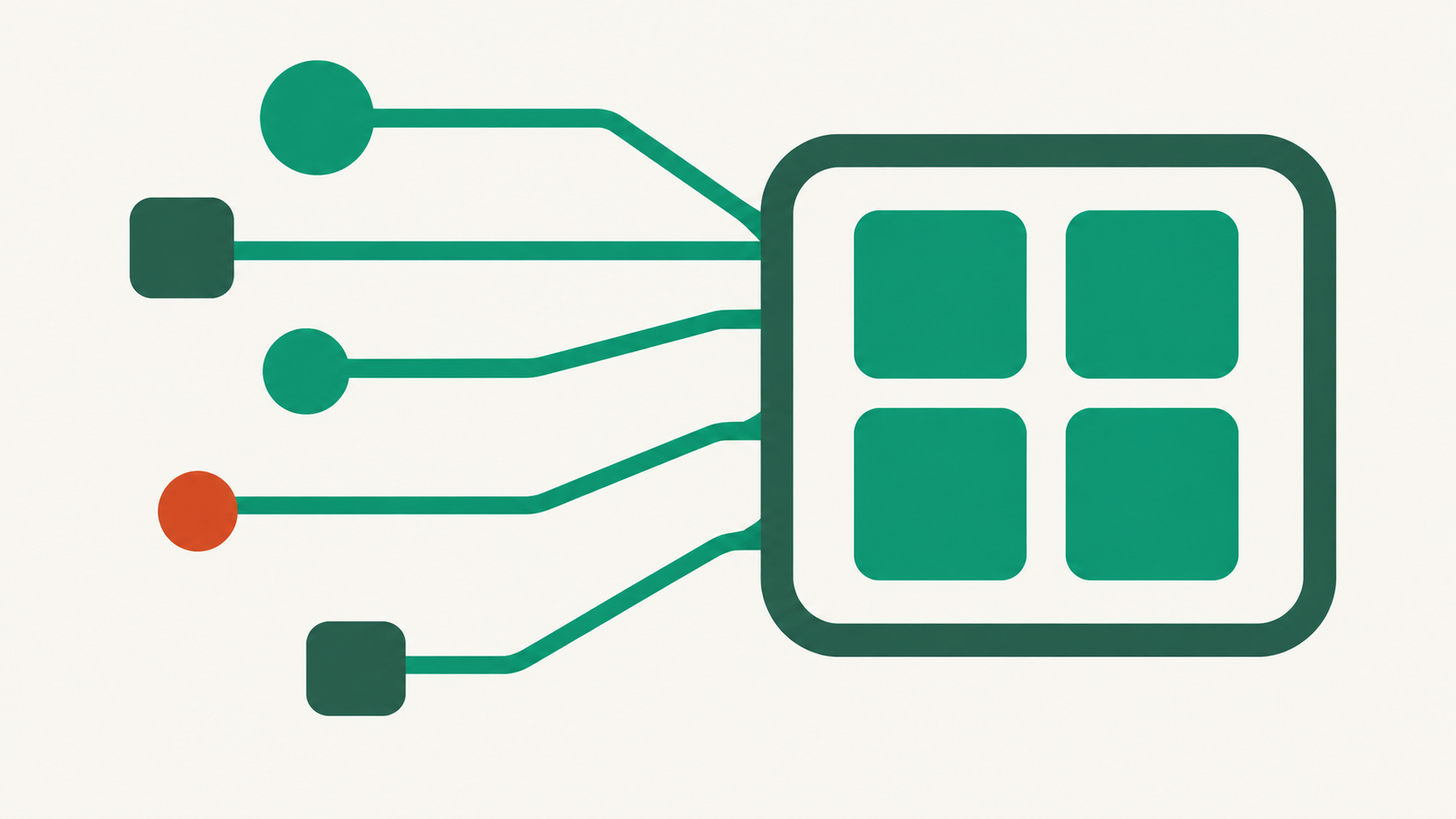
Characteristics
Information arrives unstructured: messages, photos, completed work orders and short emails from someone between jobs. Recording it neatly means retyping every evening.
The work also hinges on deviations: a missing delivery, breakdown or shifting schedule. Flagging something outside the agreement is often more valuable than solving it automatically.
There are several parties too: client, subcontractors and suppliers. Each has its own system and handoff cadence. A workflow that gathers and prepares makes those differences less costly.
Limits
Safety is not an automation question. Inspections, releases and safety decisions stay with authorised people, and a workflow never confirms something it could not verify itself.
Schedules are proposed, not silently changed: an adjustment sending people out goes through the schedule owner. Field data is messy; recognition from a photo of a receipt is never certain, so the proposal appears beside the source.
Yes, provided messages arrive in a channel the workflow may access. The result is a proposed file entry or task that someone confirms.
That depends on the integration route: some systems have an existing integration, others use custom development or their own server. We investigate before building anything.
No. It flags a change and makes a proposal; the planner decides. That prevents a model sending people to the wrong location.